BlindShell Classic 2 Accessible Tactile Button Cell Phone (Refurbished)
BlindShell Classic 2 Accessible Tactile Button Cell Phone (Refurbished)
Couldn't load pickup availability
Note: devices are refurbished
This is the BlindShell Classic 2 providing unique hardware, tactile keypad, voice control and loud speaker, creating the perfect phone for the visually impaired.
The Blindshell 2 now has an App Catalog allowing you the ability to use additional features on your phone including Whats app, Internet Browser, Internet Radio, NFC Object Tagging and more! This device is Full of fun and useful functions yet still simple to use!
Carriers the BlindShell2 Works With
The BlindShell2 works with T-Mobile and sub carriers in the United States.
View a list of T-Mobile Sub Carriers
In The Box
- Mobile phone,
- battery,
- USB-C wall charger,
- USB-C cable,
- earphones,
- lanyard,
- charging cradle,
- 3 NFC tags
Hardware highlights
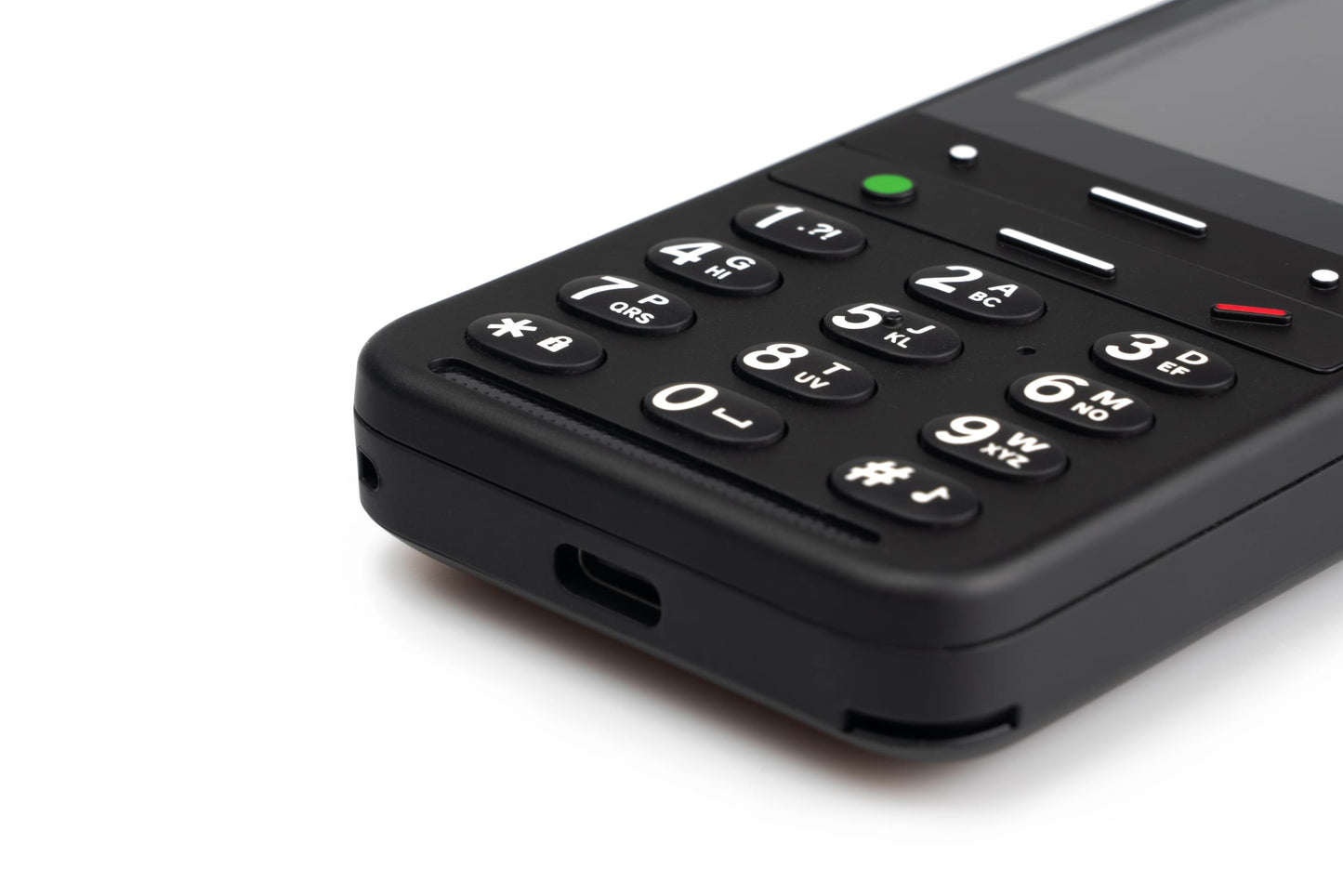
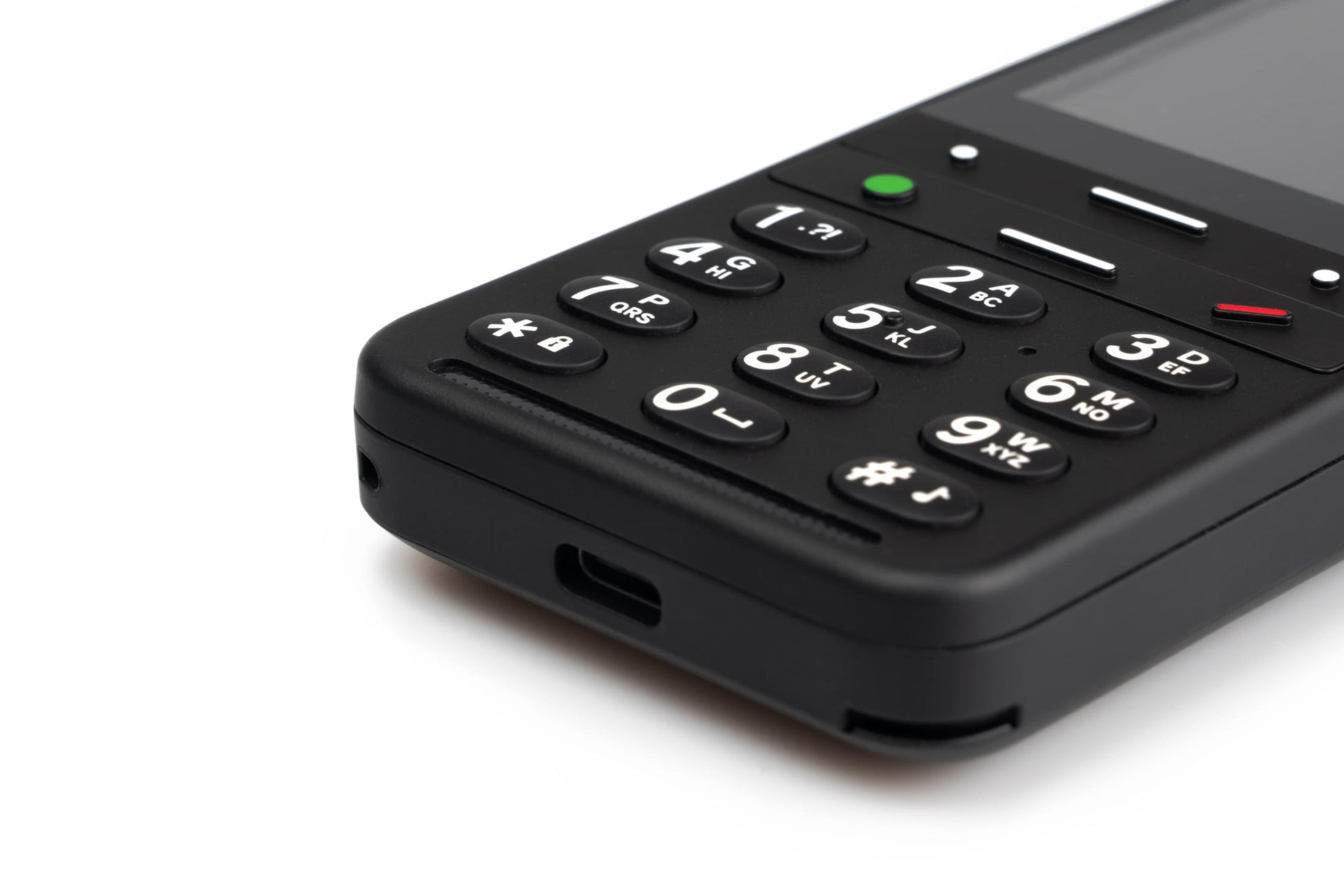
- BlindShell Classic 2 has a keypad with large, tactile buttons, for comfortable phone control. Designed specifically for the blind.
- New, improved and very loud speaker! These are the strengths of the BlindShell Classic 2. Don't worry about not hearing your phone.
- Large capacity battery with up to 96 hour of battery life. Higher comfort for using your phone.
- Charge your phone in a charging cradle and you will never have to look for your charging cable. Safe place for your BlindShell.
- USB-C cable for comfortable charging. Reversible connector fits easily in the phone. Smooth and easy way to charge your phone.
- Save your memories with the BlindShell 2 Camera. 13 MPx allows you to Take photos, view and zoom in on them or share them with your loved ones.
Top Features
- Whats app
- Voice control
- BlindShell Screen reader
- BlindShell app catalog
- YouTube
- Web browser
- NFC object tagging
- SOS button
Technical specifications
Connectivity
- GSM (2G): 850/900/1800/1900 MHz
- WCDMA (3G): B1/B2/B4/B5/B8
- FDD-LTE (4G): B1/B2/B3/B4/B5/B7/B8/B12/B13/B17/B20/B25/B26/B28/B66/B71
- TDD-LTE (4G): B38/B40/B41
- VoLTE
- Bluetooth: 4.2
- WiFi: 2.4 GHz + 5 GHz (802.11 a/b/g/n/ac)
- GNSS: GPS, Galileo, BeiDou
- FM radio receiver
- NFC
Hardware
- Dimensions: 135.2 x 54.6 x 16.7 mm
- Weight: 100 g (phone), 49 g (battery)
- Display: 2.83" (480 x 640)
- Memory (RAM): 2 GB
- Internal storage: 16 GB
- External storage: micro SD memory card up to 128 GB (FAT32)
- Camera: 13 MP
- SIM Card: Dual micro-SIM
- Battery: 3000 mAh
- Loudspeaker: 1.5 W
- Microphone: Dual microphone, noise reduction
- 3.5 stereo audio jack
- USB Type-C
- Buttons: SOS, Volume, Side action button
- Indication LED
- Camera LED flashlight
- LED flashlight
Sensors
- Magnetometer
- Barometer
- Accelerometer
- Gyroscope
- Proximity sensor
Certifications
- CE, FCC, IC, ICASA, ACMA, RoHS, HAC, UN38.3, MSDS, IEC 62133
- HAC: M3/T3
Key Layout
Keypad
-
Below the screen, used for controling the device and inputting text.
-
The six buttons above the main keybad, from top left to bottom right include...
-
Left action button: Allows you to check phone status information; time, battery and network status, notifications.
-
Up aro: Lets you move up one menu item, or back a character when editing text.
-
Right action button: It is the last in this first row.
-
Confirm: Acts as the enter or select key, used to select menu items and answer phone calls. From the main screen, you can also use it to open the main menu.
-
Down aro: Moves you to the next menu item, or the next character when editing text.
-
Back: Able to move back in menus, cancel operations, and hang up and reject calls. While editing text, you can use this button to delete characters, and can long press it to delete all text. From anywhere else, you can press it to go back to the main screen, and long press it to restart the phone.
-
Your standard keypad resides below these buttons.
SOS Button
-
Located under the camera on the back of the phone. It is used to call an assigned emergency contact.
Volume Buttons
-
Located on the left edge. Used to control the volume of voice and audio, as well as audio input.
Side Button
-
Located on the right edge of the phone. Used to open the Favorite Applications list, as well as for voice control.
Refurbished product specifics
These phones have been certified by our team to be in working order and will ship with new batteries.
We will offer a six month warranty for each phone.
Share